Sponsored This piece was sponsored by Songen. Our editorial standards still apply.
Songen Review: An AI Co-Producer at Your Fingertips
From the archive First published November 2024. Details may have changed; an updated review is coming. Why

Songen is a free AI music generator for iPhone and iPad. You pick a genre, a key and a tempo, and it builds a song you can then edit part by part and export as audio or MIDI. If you want a starting point rather than a finished track, it is worth the download, and the MIDI export is the reason a producer would keep it on the phone.
It is one of the faster royalty-free generators in the App Store, and one of the few that shows you what it is doing while it does it.
What is Songen?
Songen is a free app for Apple devices that gives you a quick way to generate ideas for new songs.
It works as an AI co-producer: it writes and plays original royalty-free songs in real time, built from the parameters you give it. You can guide the process as much or as little as you want.
Also read: AI music generators compared
What does Songen offer?
Two things decide whether an AI generator is worth using: what it is like to work in, and what it can actually do.
Experience
Opening a new production tool usually starts with the same questions. Where do I start? What can I do with this? How does any of it work? Songen’s app avoids most of that: the first thing you see is the option to create a new song and listen to it.
That one choice cuts the learning curve down sharply. The interface borrows from a digital audio workstation, which gives you a visual map of what is playing.
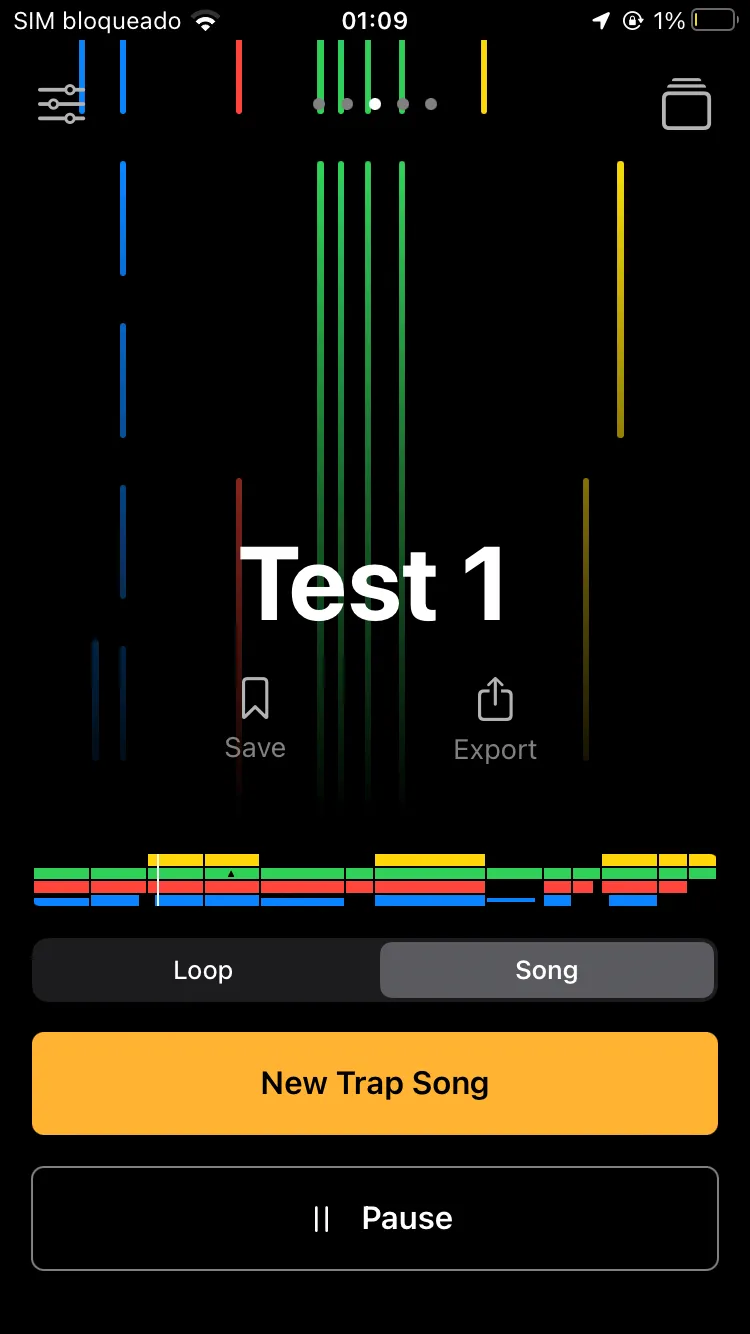
A horizontal grid shows the active tracks, laid out the way a DAW lays them out, so you can see the layers of your composition. A vertical grid shows the notes as they play, closer to a MIDI player.
If you have used a DAW, both read as familiar. If you haven’t, they work as a guide to what the song is made of.
“Everything is a couple of finger taps away”
The app looks simple, and that first impression is misleading.
Underneath the clean layout sits a real set of features and customization options, enough for a beginner to ignore and an experienced musician to use. Beginners are spared the technical detail; anyone who wants it can go and find it.
Once you start changing things, the amount of control you have over the composition is genuinely surprising. There is a wide range of parameters, and you can shape the song around them.
Features
Music genres
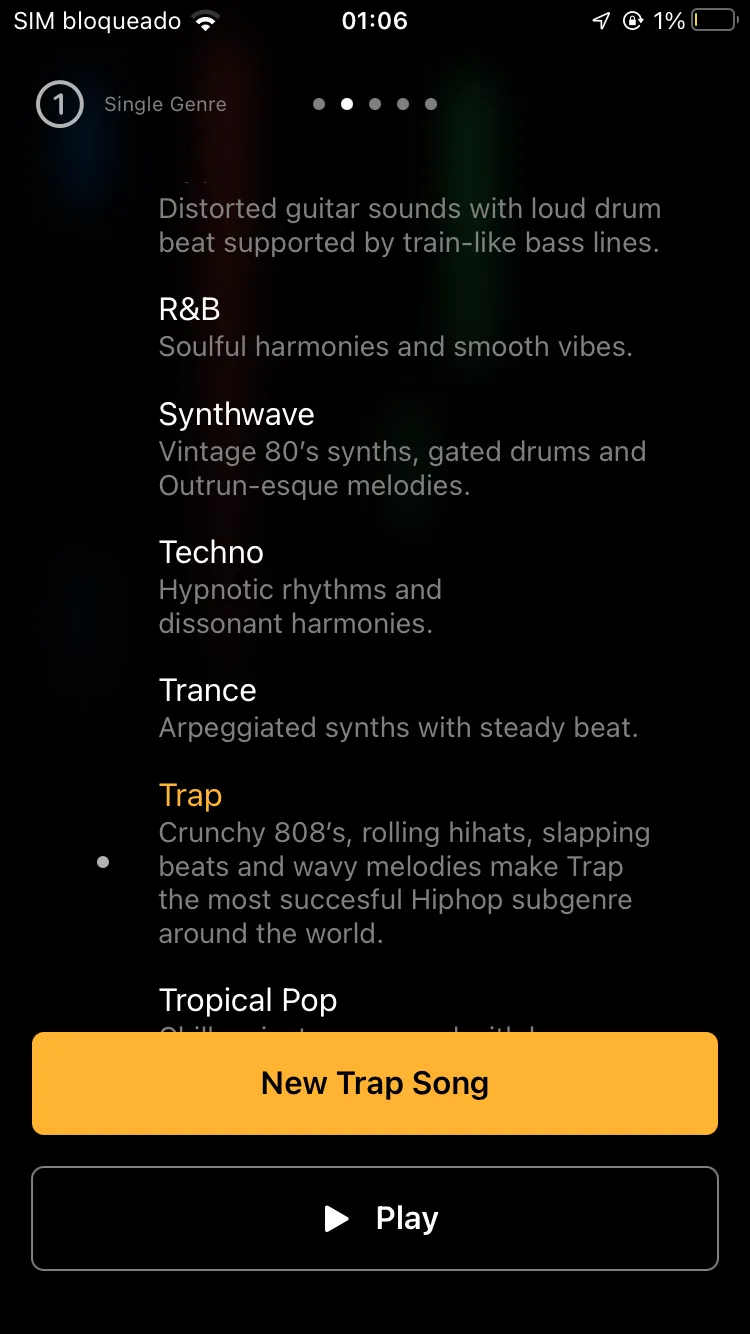
Songen covers more than 40 genres, from Afrobeats to West Coast rap.
It goes well beyond the obvious ones, so there is a fair chance your preferred style is in there. New genres are added in updates.
Key and tempo
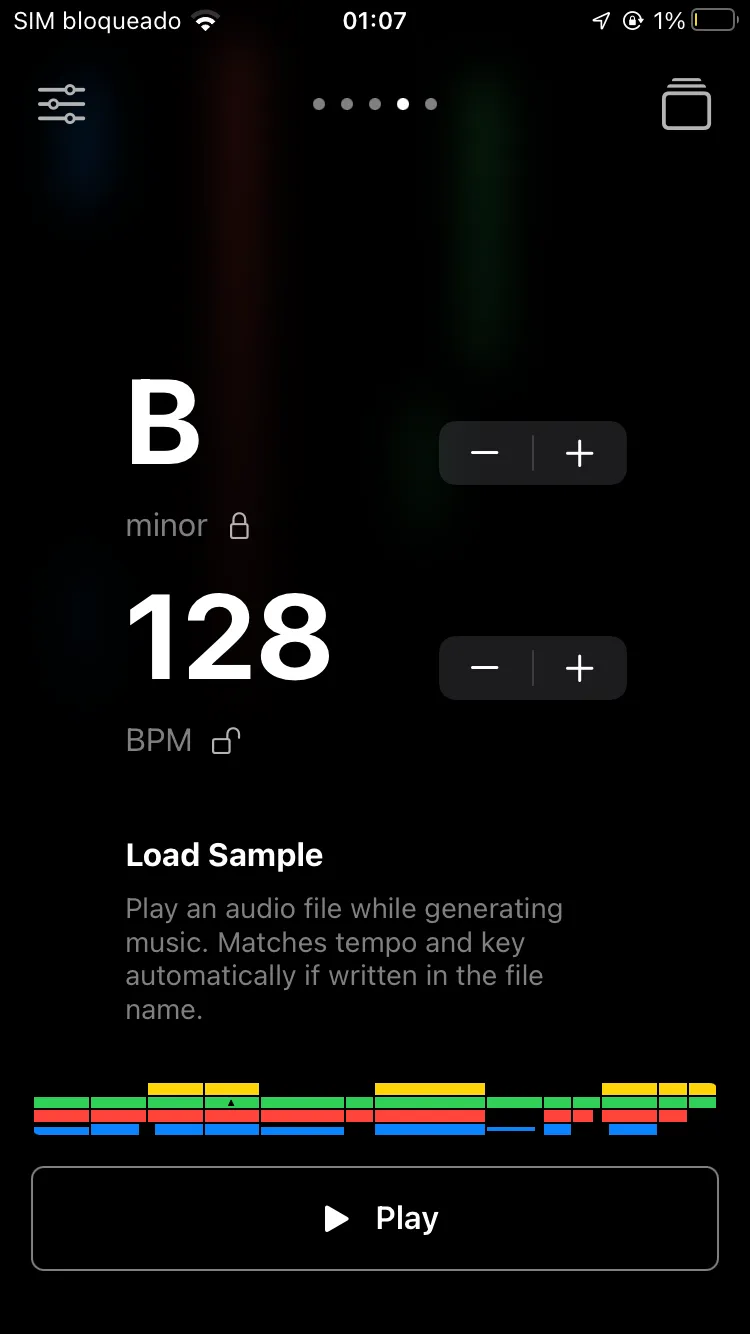
The bread and butter of composition.
From the player menu, one swipe lets you set the key and the BPM by hand. You can also load a sample and let Songen’s AI build on it, which is a nice touch.
Advanced editing
The advanced editor is where the app stops being a toy.
Think of it as a workshop: you can adjust settings like groove, and shape each part of the song on its own. The mixing option lets you set track levels and loudness, which is the part that makes it feel like a co-producer rather than a slot machine.
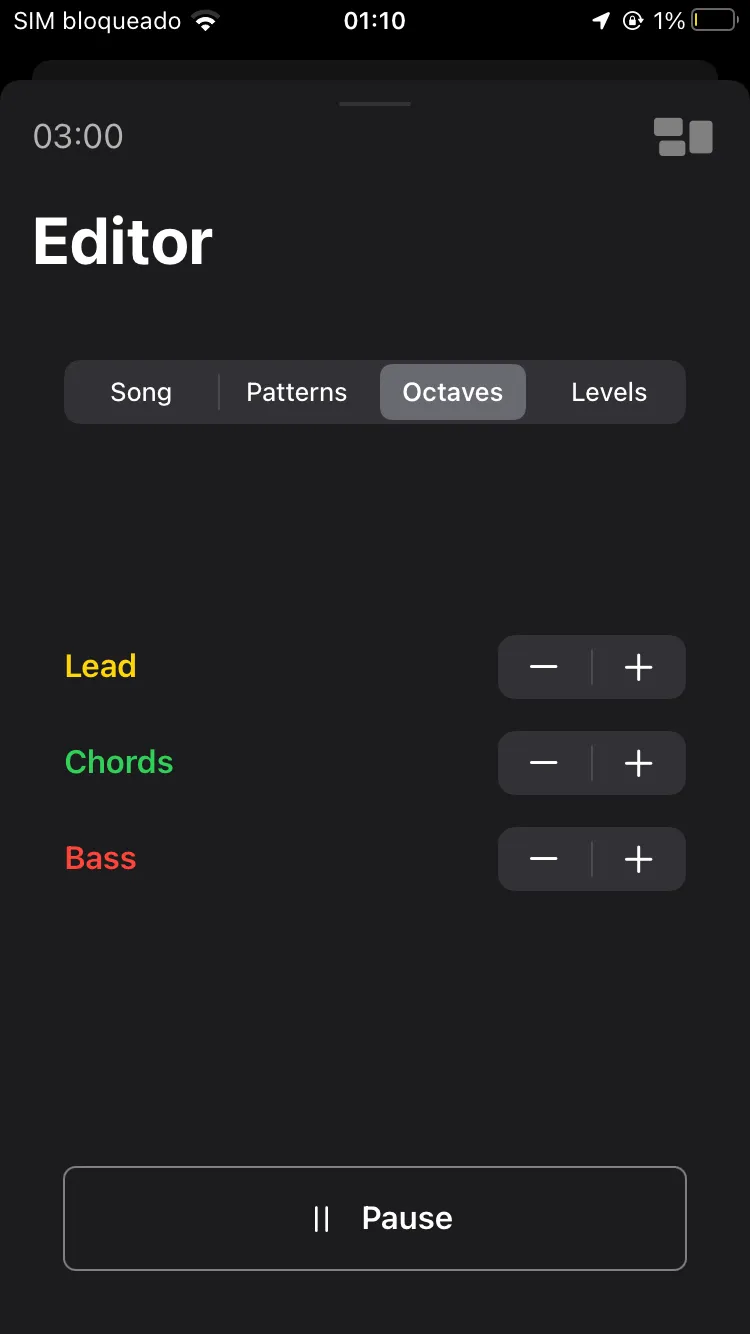
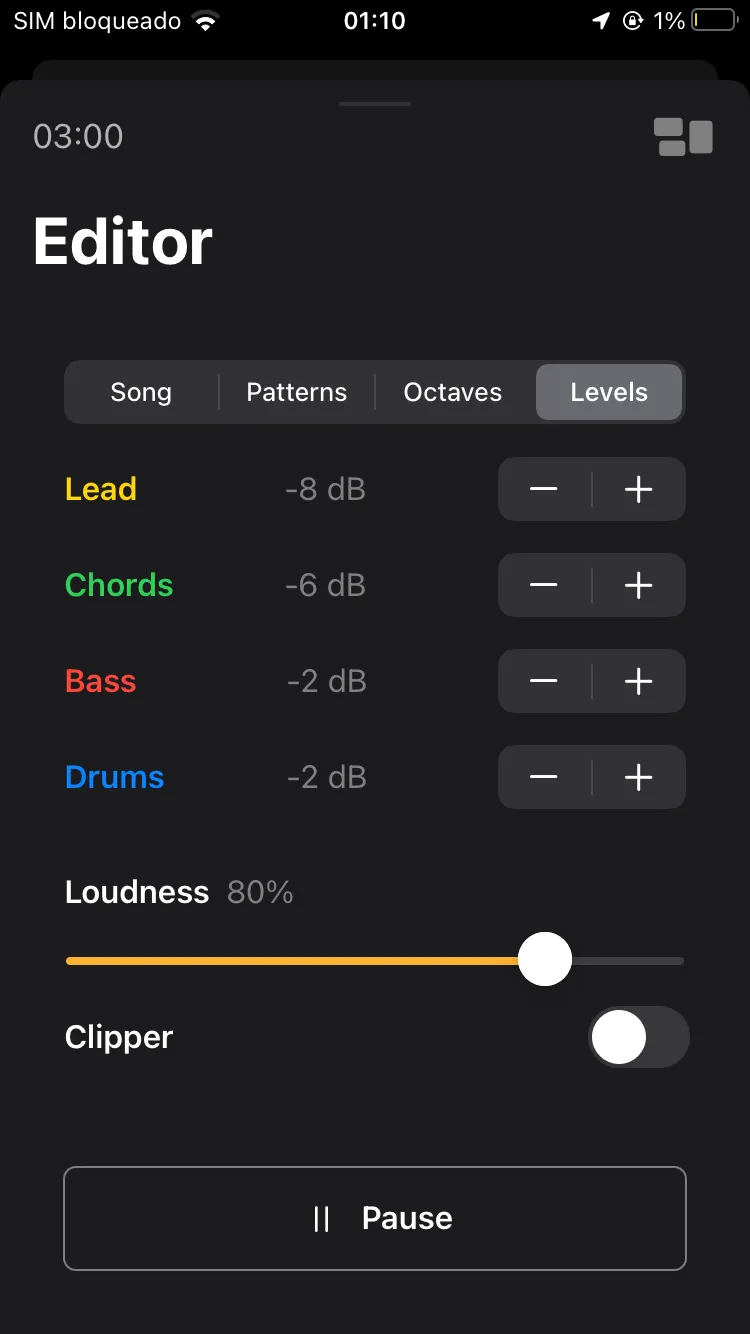
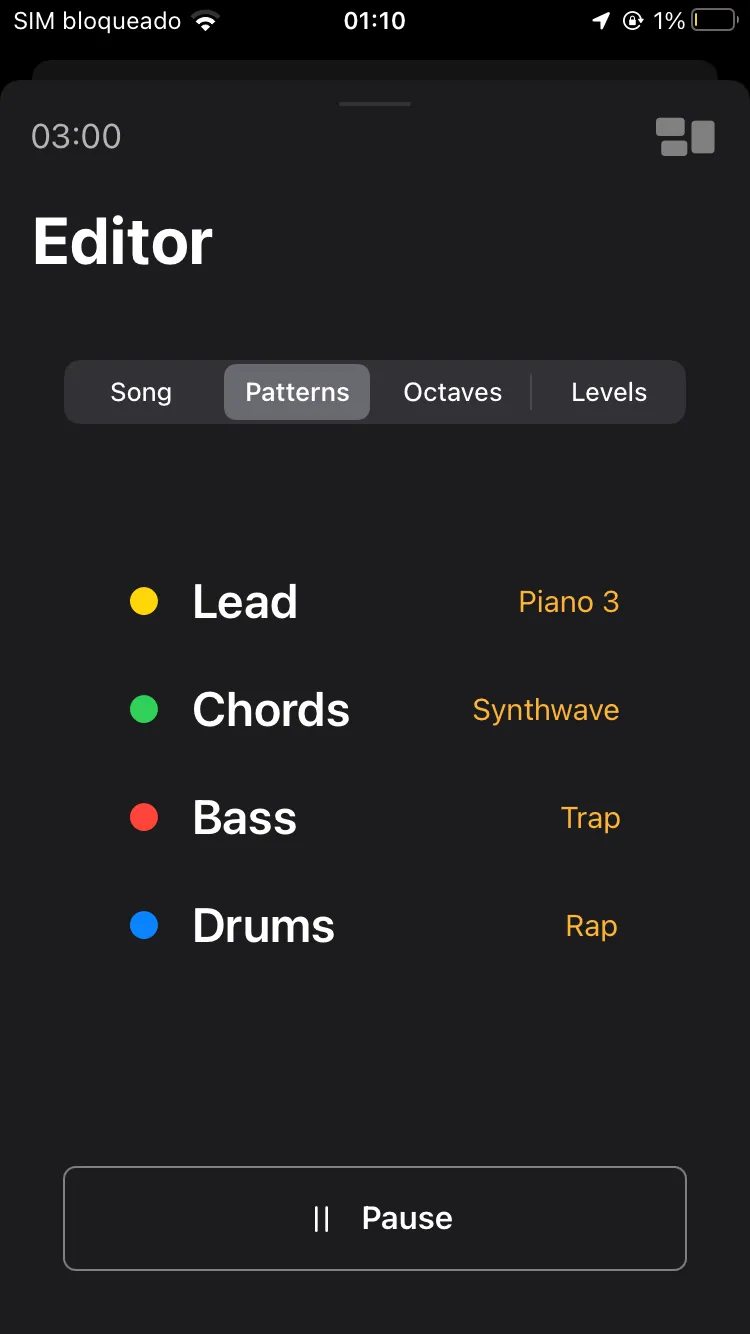
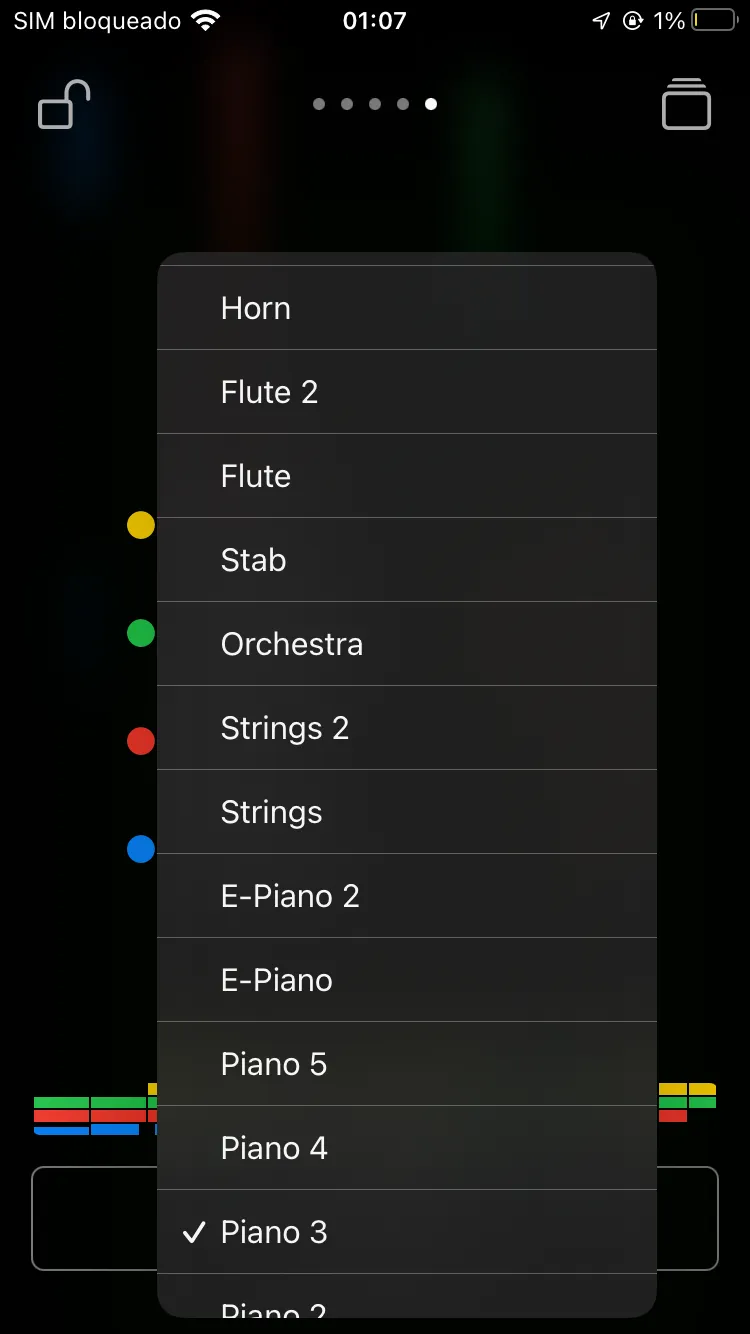
(A sneak peek of some of the features.)
Export options
You can export a composition as:
- .m4a
- .WAV
- MIDI
MIDI export is the standout, and the reason the app is worth more to an experienced producer than to a casual one. It means a Songen idea does not have to stay in Songen: take the MIDI into your own DAW and keep working on it there.
Is Songen worth it?
Yes, with one obvious limit: it is an Apple-only app, so if you are on Android or Windows there is nothing to try.
Songen stands out among AI music generators for pairing an interface anyone can use with an editor that rewards someone who knows what they are doing. More than 40 genres, a layout borrowed from a DAW, part-by-part editing and groove settings make it fun to work in rather than a one-click novelty.
MIDI export is what lifts it above most of its competitors: your ideas carry over into the DAW you already use.
It is in Apple’s App Store, and the free plan lets you try every feature, so the download costs you nothing but the time.